Prepare before leaving coverage
Open True Arbor while connected and load the jobs and details you need. Offline work depends on information already saved on that device; a job you have never loaded may not be available without a connection.
BUILT FOR YOUR WORKDAY
A weak connection should not mean losing track of the work. True Arbor can keep saved job details on your device and queue supported changes while you are offline. Prepare before heading out and check the sync status when you return.
Start 3 months free ↗Credit card required. See subscription pricing.
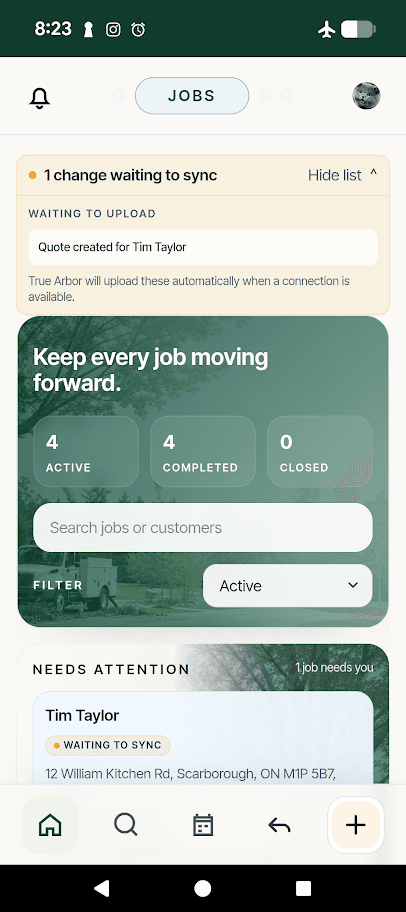
Open True Arbor while connected and load the jobs and details you need. Offline work depends on information already saved on that device; a job you have never loaded may not be available without a connection.
Capture supported changes, such as notes and quote drafts. The waiting-to-sync list shows updates that are still on your device. A pending update has not yet reached the office, so use its status to keep track of what still needs to upload.
Keep True Arbor open, or reopen it, when a connection is available. Queued changes sync automatically. Check the confirmation and follow any review message before moving on. Live chat, sending emails, fresh map imagery, and online payments need a connection.
Build the scope and price, send a clear quote, and keep customer responses with the work.
Explore quoting →Plan the day, arrange route stops, and give your crew a clear place for updates and questions.
Explore crew scheduling →