Start with the details you have
Keep the customer, job address, and notes together. Google Maps address suggestions help you choose the site. Add photos and a site map as you learn more, so the information behind your quote stays with the job.
BUILT FOR YOUR WORKDAY
A customer enquiry does not always follow the same path. Start with a name and address, then add the steps you need. Arrange a site visit first, prepare a quote, or move straight to work when the scope is already agreed.
Start 3 months free ↗Credit card required. See subscription pricing.
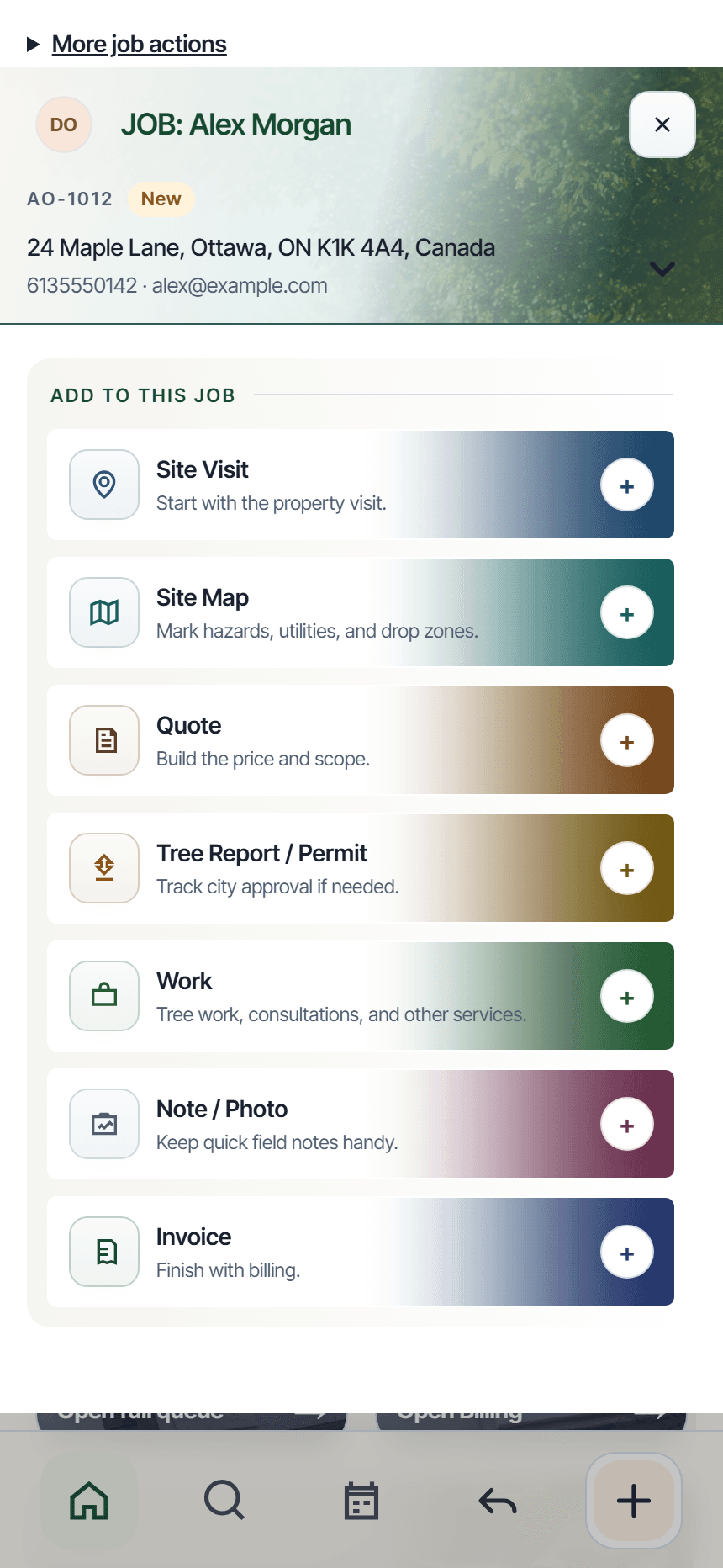
Keep the customer, job address, and notes together. Google Maps address suggestions help you choose the site. Add photos and a site map as you learn more, so the information behind your quote stays with the job.
Build the scope and price, review the email, and send the quote link. Customers can review the quote, ask questions, request changes, and approve. Their response stays connected to the quote instead of becoming another loose message to chase.
Organize the work, assign the people and equipment you need, and create the invoice from the same job. You can offer manual payment instructions or connect Stripe for supported online payments. Review the payment fees and setup requirements before enabling online payments.
Prepare jobs online, save supported field updates, and check their sync status when you reconnect.
Explore offline work →Plan the day, arrange route stops, and give your crew a clear place for updates and questions.
Explore crew scheduling →